
Photo Slideshows Guide
22 stories
-
Color Correcting Photos So a Slideshow Looks Consistent
Slides that jump between yellow indoor shots and cold blue outdoor ones look sloppy. Here’s how to color correct photos: fix white balance first, then match the rest of the set with one shared edit. This guide sits inside our broader photo editing basics collection. These details come from Google’s Photos blog and Noble Desktop’s…
-
How to Resize Photos for a Slideshow Without Losing Quality
You want sharp photos on screen, not soft ones. The short answer on how to resize photos for a slideshow: match each photo to your frame size, such as 1920×1080 pixels for Full HD, and only scale down. This guide is part of our photo editing basics collection. The figures come from Narakeet’s video size…
-

The Best Free Slideshow Makers Compared
You want the best free slideshow maker without a watermark surprise at export. For most people, Clipchamp is a solid free start, Adobe Express suits quick web projects, and FlexClip suits template fans. This comparison is part of our wider guide to photo slideshow software, which covers the category from desktop editors to browser tools.…
-
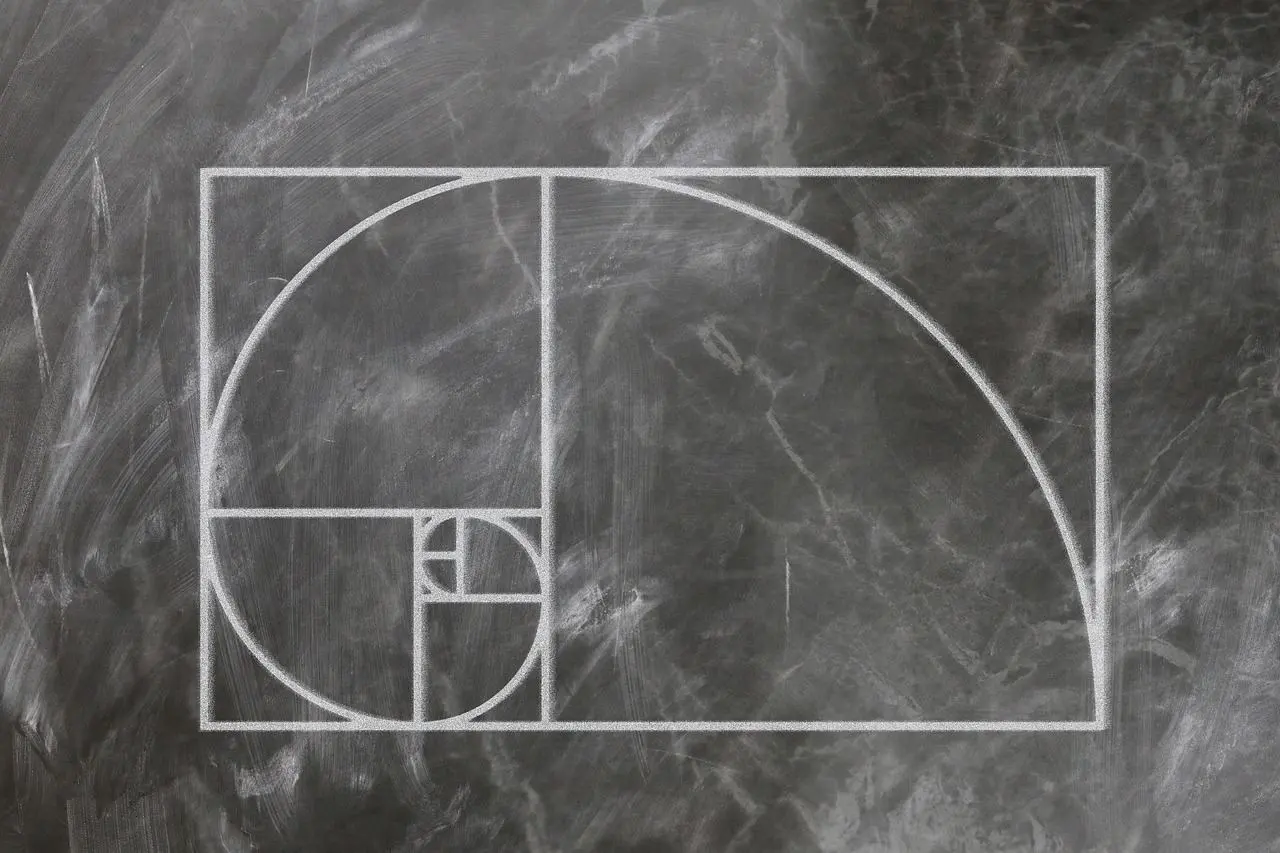
Choosing the Best Aspect Ratio for Your Slideshow
Worried your photos will look squashed or get ringed with black bars? The best aspect ratio for slideshow use is widescreen for most screens, with a boxier shape only for older projectors. This guide is part of our look at photo editing basics, where you can find the wider set of photo prep steps. These…
-

Birthday Slideshow Ideas for Every Age
Not sure how to make a birthday slideshow feel personal instead of like a photo dump? These birthday slideshow ideas fit every age, and the answer is simple: pick one story, keep the photos few, and match the music to the pace. This page is one part of a larger set of slideshow presentation tips.…
-

Making a Photo Slideshow in PowerPoint
Got a folder full of photos and a PowerPoint deadline? Here is how to make a slideshow in PowerPoint with photos: open Insert > Photo Album > New Photo Album, add your pictures, and click Create. This walkthrough sits inside our wider guide to photo slideshow software, where PowerPoint is one option among several. These…
-

best slideshow apps for iPhone — Slideshow Software
You have a camera roll full of photos and want a shareable video, not a tangle of settings. The best slideshow apps for iPhone start with iMovie if you want free, and Animoto if you want templates. This guide is part of our wider look at photo slideshow software, narrowed to apps that run on…
-
Making a Wedding Slideshow Guests Will Remember
Worried your wedding slideshow will drag or flop? Here is how to make a wedding slideshow guests enjoy: pick a story, keep it four to eight minutes, and test everything in the room first. The wider guide to slideshow presentation tips covers the basics that apply to every event. These figures come from the Tribute…
-
Anniversary Slideshow Ideas and Photo Prompts
Making a slideshow for the couple you love shouldn’t feel daunting. These anniversary slideshow ideas keep it simple: keep it short, tell the story in order, and let one meaningful song carry the feeling. If you want broader advice on pacing and playback, read our slideshow presentation tips. These figures come from Capture’s anniversary slideshow…
-

How to Make a Photo Slideshow With Music, Step by Step
Got a folder of photos and a song you love? Here is how to make a photo slideshow with music: pick a tool, add your photos in order, add a track, then export. This guide sits inside our wider look at photo slideshow software, where tools are judged on features, price and platform fit. These…